Find Your Next Creative Direction

Start with the image you need, then compare prompts with a similar subject, composition and level of detail.

Product Photography Prompts

Plan a clean product shot or a campaign scene. Look for specific lighting, surfaces and space for your layout.

Ceramic perfume bottle with a textured glaze
Skincare bottle on a limestone pedestal
Skincare product in a botanical campaign scene

Portrait Prompts

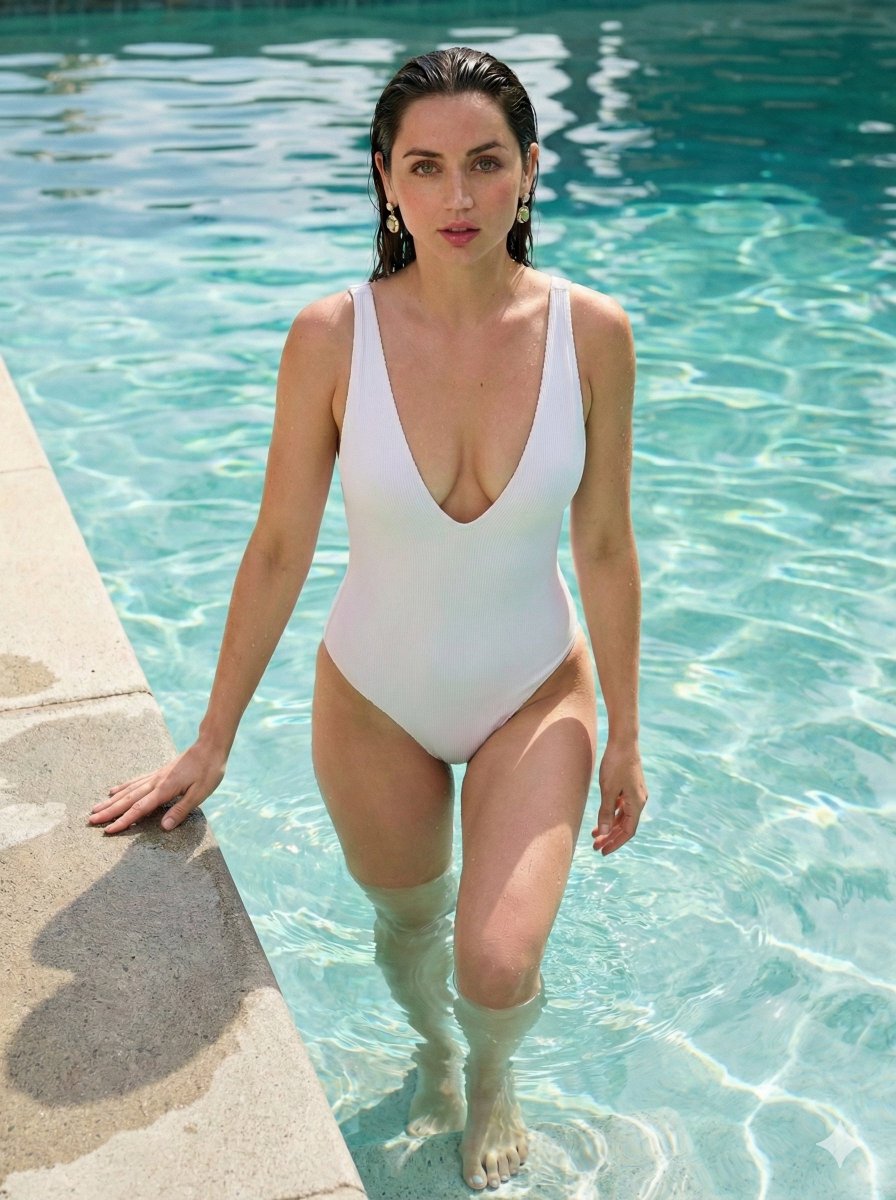
Explore poses, framing and lighting. If a recognizable person matters, check whether the example uses a reference image.

Woman with freckles in dappled sunlight behind forest leaves
Woman in soft light with blurred flowers against a sage-green background
Fashion portrait with iridescent sunglasses and a colorful geometric jacket

Poster Design Prompts

Start with a clear headline and visual hierarchy. Specify the exact text, then check spelling and readability in the result.

Night market poster with a prominent headline
High-contrast clothing sale poster
Green typographic book cover

Illustrative creative directions. Open a collection to explore its prompts and source examples.

What We Look For In A Prompt

A striking image is a starting point. We look for a clear visual idea, details you can change and enough context to try the prompt yourself.

Fashion portrait with orange-tinted sunglasses, a red puffer jacket and warm sunlight against blue sky

Read The Image

The red puffer jacket and orange lenses carry the color. A low camera angle and open blue sky give the portrait its attitude. These are useful directions to describe—not just “cinematic” or “high quality”.
Gallery Reference · Aijaz
  • A Specific Visual Idea

    Red outerwear, tinted lenses, a close crop and directional light tell you what to aim for. A string of quality adjectives does not.

  • Details You Can Adapt

    Separate what stays from what changes. Try softer light while keeping the clothing and framing brief; then inspect what else changed in the result.

  • Enough Context To Use

    Check the model and required reference images. The fashion source below relies on reference inputs: its text alone is not the complete recipe.

  • Traceable Context

    Look for an author, original source and model when available. Missing information should stay unknown; attribution is not permission to reuse an image.

These selection principles are not a claim that every imported prompt has been manually tested. Example images do not guarantee identical results.

Change The Light. Keep The Direction.

Keep the portrait brief and change one lighting phrase. Compare the mood and shadows, then check whether the model also changed details you meant to retain.

Fashion portrait with orange-tinted sunglasses, a red puffer jacket and warm sunlight against blue sky

Reference Example

A close-up fashion portrait of an adult woman with a short wavy bob and wispy bangs, wearing round orange-tinted sunglasses, pearl drop earrings, a black turtleneck and a red puffer jacket. A slightly low camera angle, a clean blue-sky background and a light breeze moving her hair. Warm directional golden-hour sunlight. Natural skin texture, visible jacket quilting and sharp focus on the face.

Reference-guided portrait illustration with softer light across the face, orange sunglasses and a red jacket

Soft-Light Illustration

A close-up fashion portrait of an adult woman with a short wavy bob and wispy bangs, wearing round orange-tinted sunglasses, pearl drop earrings, a black turtleneck and a red puffer jacket. A slightly low camera angle, a clean blue-sky background and a light breeze moving her hair. Soft diffused daylight with gentle shadows. Natural skin texture, visible jacket quilting and sharp focus on the face.

Light
Warm directional golden-hour sunlightSoft diffused daylight with gentle shadows

The text is an educational rewrite, not the source’s complete generation recipe. The soft-light image was made with a reference image and includes small changes to expression and hair; this is a lighting illustration, not a controlled model test.

Fills text only, without attaching the gallery image or spending credits. For a specific person, prepare a suitable reference and check the model and settings before generating.

Write The Shot. Check The Details.

Turn a fashion idea into visible instructions, then inspect the parts that decide whether the image is usable. Fix a specific problem instead of asking for “better quality”.

Start With A Shot Brief

An adult model in a cream off-shoulder short dress, crouching in profile and holding white lilies. Full-body framing with heels and floor visible, a seamless gray backdrop and soft side light. Natural body proportions and fabric folds that follow the waist, knees and pose.

  1. Hands & Pose

    Check the wrist connection and how the hand holds the stem. If the grip looks wrong, name that detail in the next edit. Hidden fingers cannot be verified from this view.

  2. Dress Structure & Folds

    Follow the neckline, seams and folds around the waist and knees. For a product image, compare the cut and material with the actual garment—not only the overall style.

  3. Heels & Contact Shadows

    Look at where the heel and sole meet the floor. Ask for grounded contact and shadows consistent with the light if the shoes appear to float.

This fashion illustration does not demonstrate fidelity to a real product. Before using a result for ecommerce, verify the garment’s color, cut, material and details.

Full-body fashion illustration of a model crouching in a cream off-shoulder short dress, holding white lilies
Hand & Stem
Seams & Fabric
Heels & Floor

Reference-guided teaching illustration inspired by a gallery example from Dr. Samia. All three details are crops from this same image.

Before You Use A Prompt

Practical answers about the image prompt library, generation and reuse.

Are these AI image prompts free?

Browsing examples and copying prompt text is free. Generating an image is a separate action: sign in and check the selected model’s credit cost before submitting.

How do I use a prompt from this gallery?

Open an image preview, read the full prompt and check its model and reference-image requirements. Copy the text or use the recreate action to fill the editor, adapt the details, and submit only when you are ready.

Do portrait or fashion prompts always need a reference image?

Not when you want a new person or a general visual direction. To retain a particular face or garment, usually you need suitable reference images and a model that supports them. Text alone does not establish identity or product fidelity; check the result.

Can I use a prompt with another image model?

You can adapt the wording, but model-specific settings and reference-image behavior may differ. Treat the result as a new attempt rather than expecting the original example to transfer unchanged.

Why does my image look different from the example?

Model version, reference images, settings and variation between generations all affect the result. An educational rewrite may also omit source inputs. Matching the text alone does not reproduce every condition used to make an example.

How often is the prompt library updated?

New prompts are added daily. You can browse the full library or use the model and creative-task collections to narrow your search.

Can I use gallery images or generated results commercially?

Gallery inclusion does not grant rights to the example image. Check the original source and the terms of the model you use. Before publishing a generated result, review any brands, recognizable people and third-party material it contains.

Turn Inspiration Into Your Next Image

Find a useful starting point. Make the details your own.

Explore Prompts