
Product Photography Prompts
Explore handpicked product photography prompts for listings, lifestyle scenes and product ads. Preview the images, copy a full prompt for free, and adapt the light, setting and composition to your own product.




Every Image Has A Job.
Start with where the image will appear. A listing, a detail view and an ad need different things from the same product photography prompt.
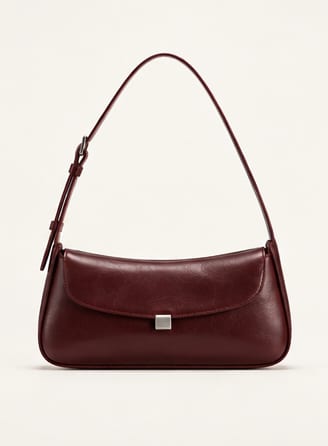
Show The Product
For a listing image, ask for a clear silhouette, an uncluttered background and even light. Keep the whole product in frame so the shape is easy to read.
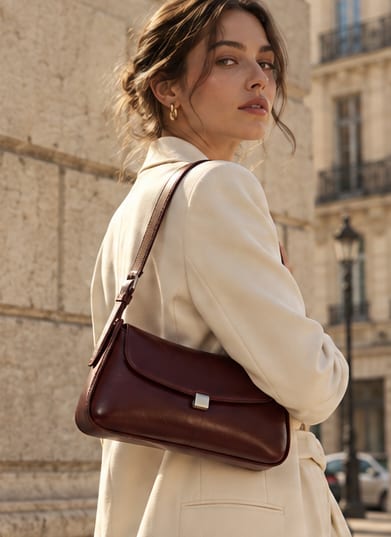
Make It Feel Real
For a lifestyle image, describe how the product is worn or used. A model or familiar setting can communicate scale, styling and context.
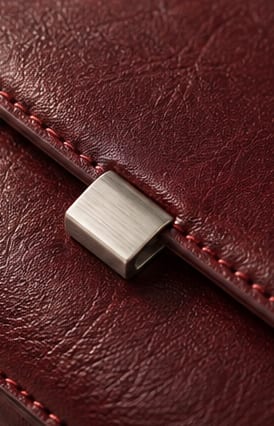
Bring Details Forward
For a detail image, name the feature worth seeing: leather grain, a stitched seam or a clasp. Specify a close crop and light that reveals the surface.
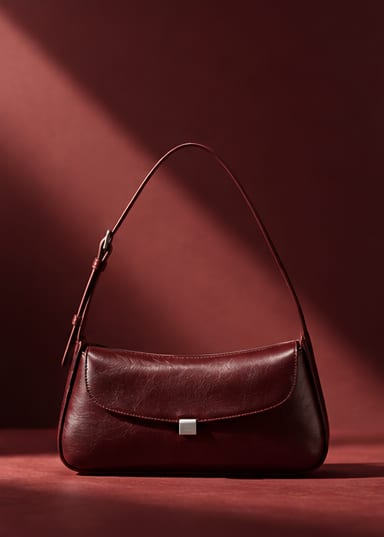
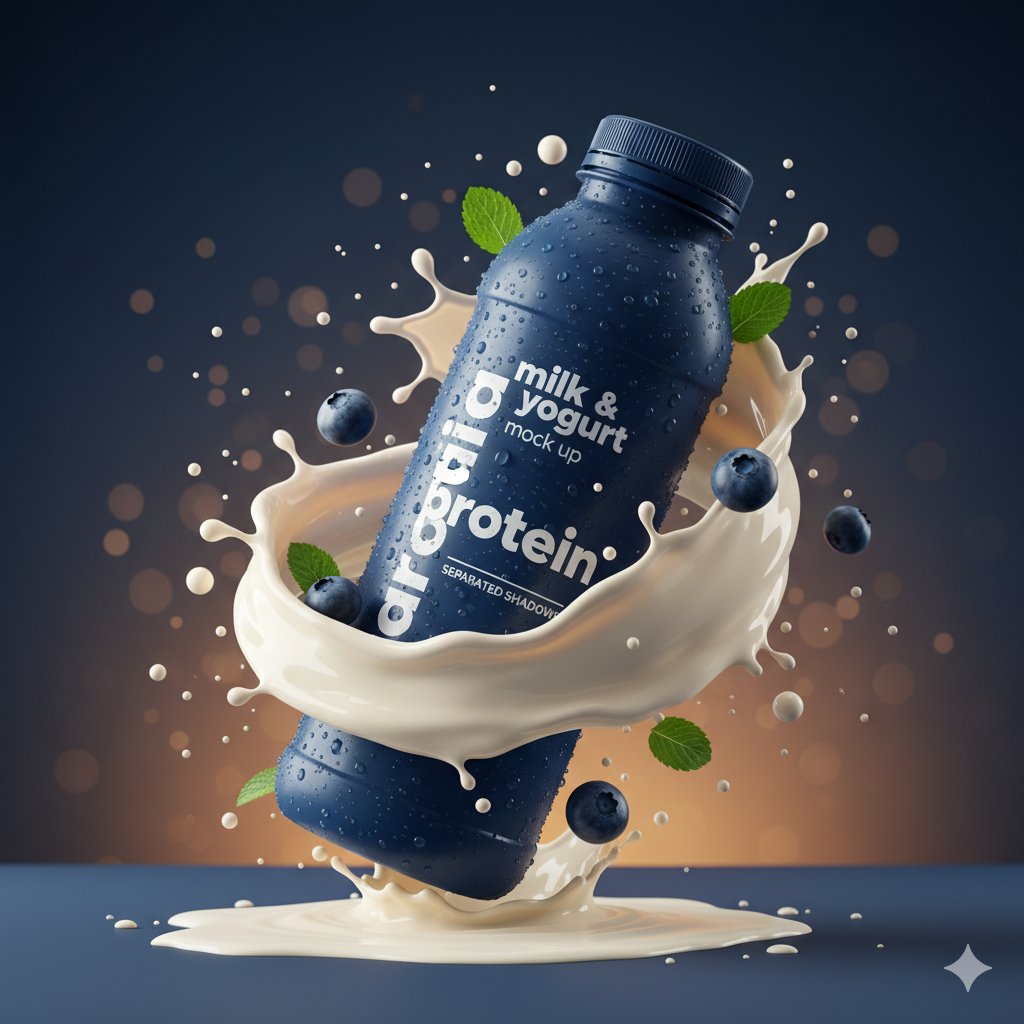
Earn Attention
For a product ad, define a strong focal point and leave room for your message. Add the final offer or headline in your layout rather than relying on generated text.
Illustrative images made for this guide. Choose a visual direction, not a claim about an actual product.
Selected With A Seller’s Eye.
This collection is handpicked, not just an unfiltered feed. When choosing a prompt for your own campaign, look beyond the first impression: can the image make the product and its selling points easier to see?
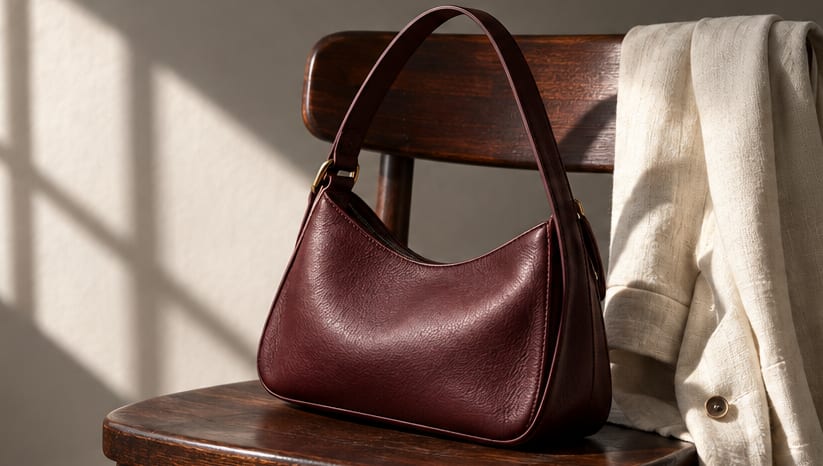
The Product Comes First
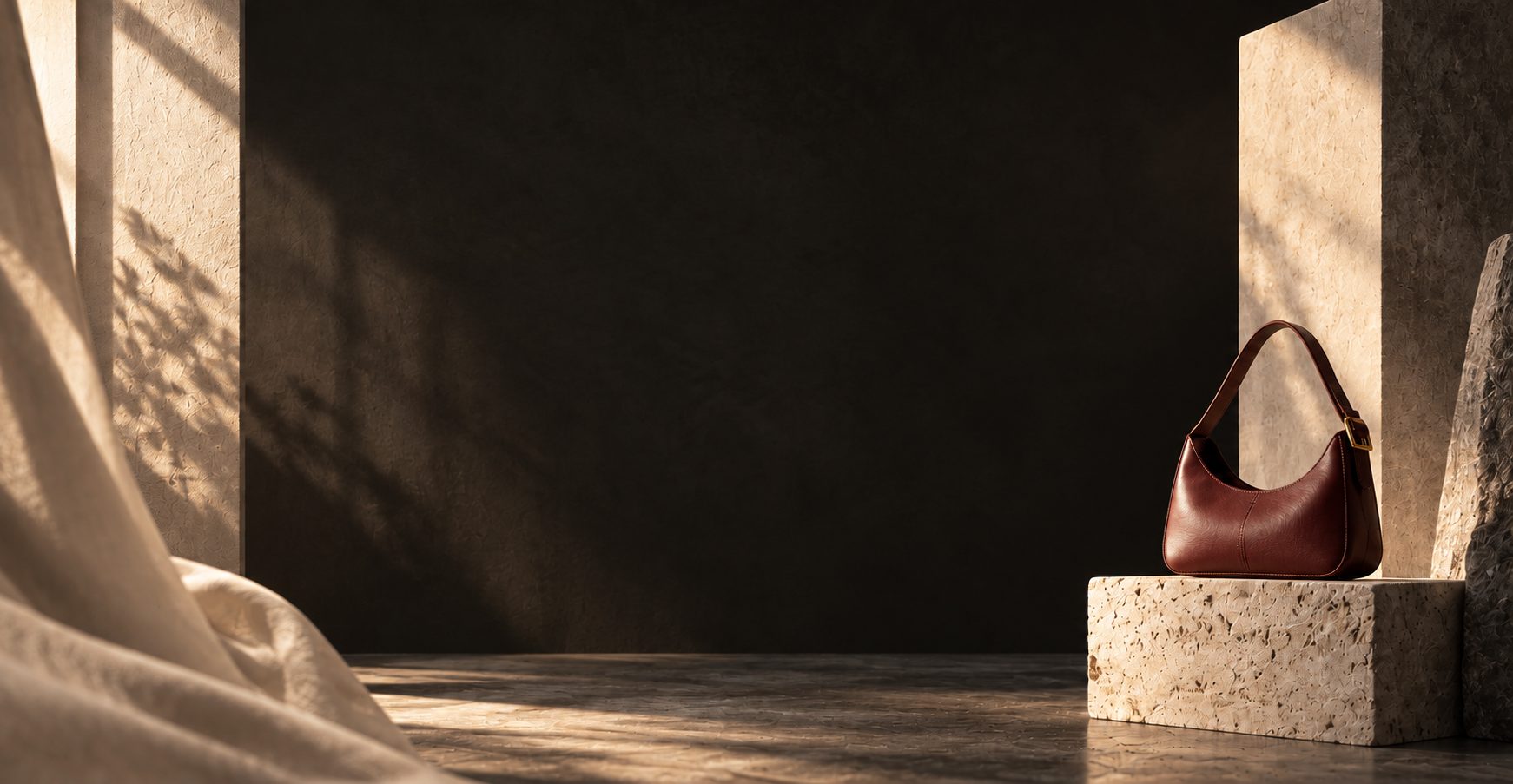
In the bag example, the quiet wall and simple chair frame the silhouette. When adapting this direction, keep props secondary to the item you are selling.
The Material Has A Role
Side light gives the leather a visible texture. Ask for a lighting direction that explains the finish, instead of adding impressive-sounding camera terms.
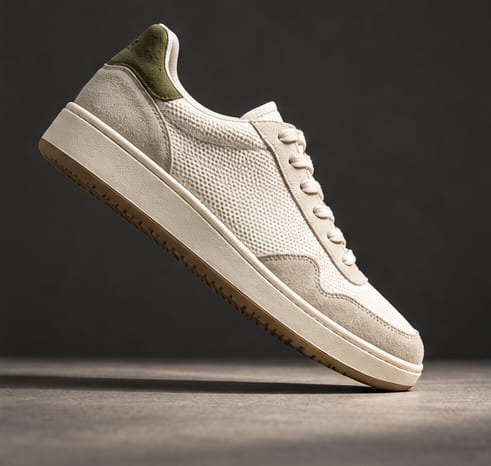
A Useful Campaign Direction
The sneaker’s diagonal composition creates energy while keeping its outline readable. Check the final crop at ad size and reserve space for a headline where needed.
These examples explain visual choices; they are not sales tests or measured conversion results.
Explore The CollectionYour Product. A New Direction.
Choose a look from the collection, then write around your actual product. Tell the model what must stay recognisable and what can change.
Your Product Reference
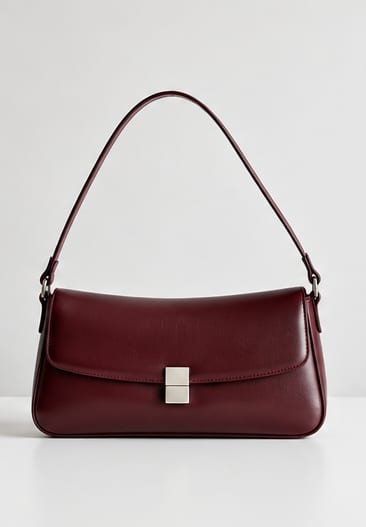
Adapt The Prompt
Use the bag in the reference photo. Preserve its shape, oxblood leather, strap and metal clasp. Place it on warm stone in late-afternoon light, with a quiet background and space above for copy. Keep the product fully visible and do not add text or logos.
This fills the editor only. Add your own product photo, select a model that accepts image references, and review the credit cost before generating.
New Visual Direction
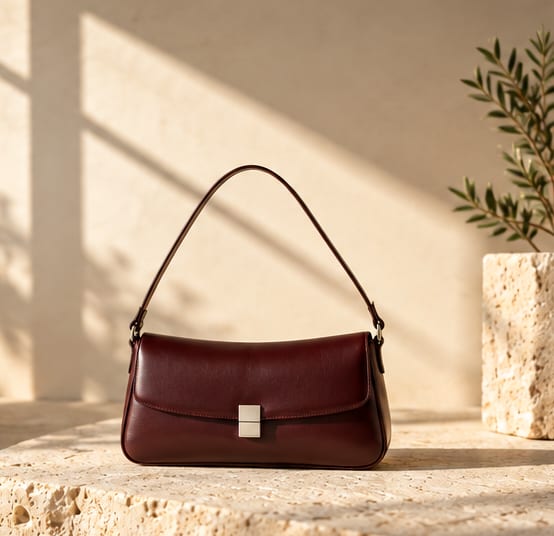
Illustrative workflow, not a verified reproduction of one physical item. Compare shape, colour and hardware with your reference; a prompt cannot guarantee product fidelity.
Keep The Details That Make It Yours.
A beautiful image still needs to represent the product accurately. Compare the result with your original photo before using it in a listing or campaign.
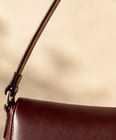
Shape & Attachments
Check the outline, proportions and strap connections. Look for missing parts, doubled edges or details that change between views.
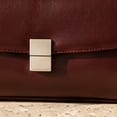
Colour & Hardware
Compare the leather tone, clasp shape and metal finish. Warm lighting can shift colours, so review against a neutrally lit reference too.
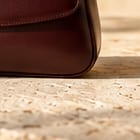
Texture & Contact
Check whether the material still looks plausible and the product rests naturally on the surface. Inspect seams and shadows at the size shoppers will see.
The close-ups are actual crops of the image shown here. For packaging or logos, check every letter and graphic separately; correct or regenerate inaccurate details before publishing.
Before You Put It To Work.
Practical answers about product photography prompts, reference photos and using your results.
Are These Product Photography Prompts Free?
You can browse the collection and copy full prompts for free. Image generation is separate: it may require sign-in and credits, depending on the selected model and your plan. Check the displayed cost before submitting.
Do I Need My Own Product Photo?
Use your own reference photo when the output needs to depict an existing product. Choose a clear image with visible shape, colour and key details. Text-only generation is useful for exploring a concept, but cannot establish what your real product looks like.
Will My Logo And Packaging Stay Exact?
Not always. Image models can alter lettering, proportions, colours or small fittings even when the prompt asks to preserve them. Compare the output with the original and correct any inaccuracies before using it as a product image.
Can I Use The Images In Listings And Ads?
Review the selected model’s terms, the rights to your input images and the destination platform’s image requirements. Free access to a prompt is not a licence to reuse someone else’s product photo, logo or likeness. Use images that accurately represent what you sell.
Can I Use A Prompt With Different Models?
You can adapt the wording, but results and supported inputs differ. Check whether the model accepts product references and adjust the prompt or settings accordingly. Start with one image and review it before making a larger set.
What Does “That Sell” Mean?
It describes the collection’s focus on product marketing: clear product presentation, visible selling points and useful campaign ideas. The prompts are handpicked, but neither a prompt nor an attractive image guarantees purchases or a particular conversion rate.
Give Your Product Its Next Great Image.
Find a visual direction. Make it your own.
Explore Product Prompts