Image-to-Video Prompting: How to Animate a Strong First Frame
Turn a still image into a controlled shot by prompting motion, camera behavior, timing, and environmental movement.
 EzNanoBanana Editorial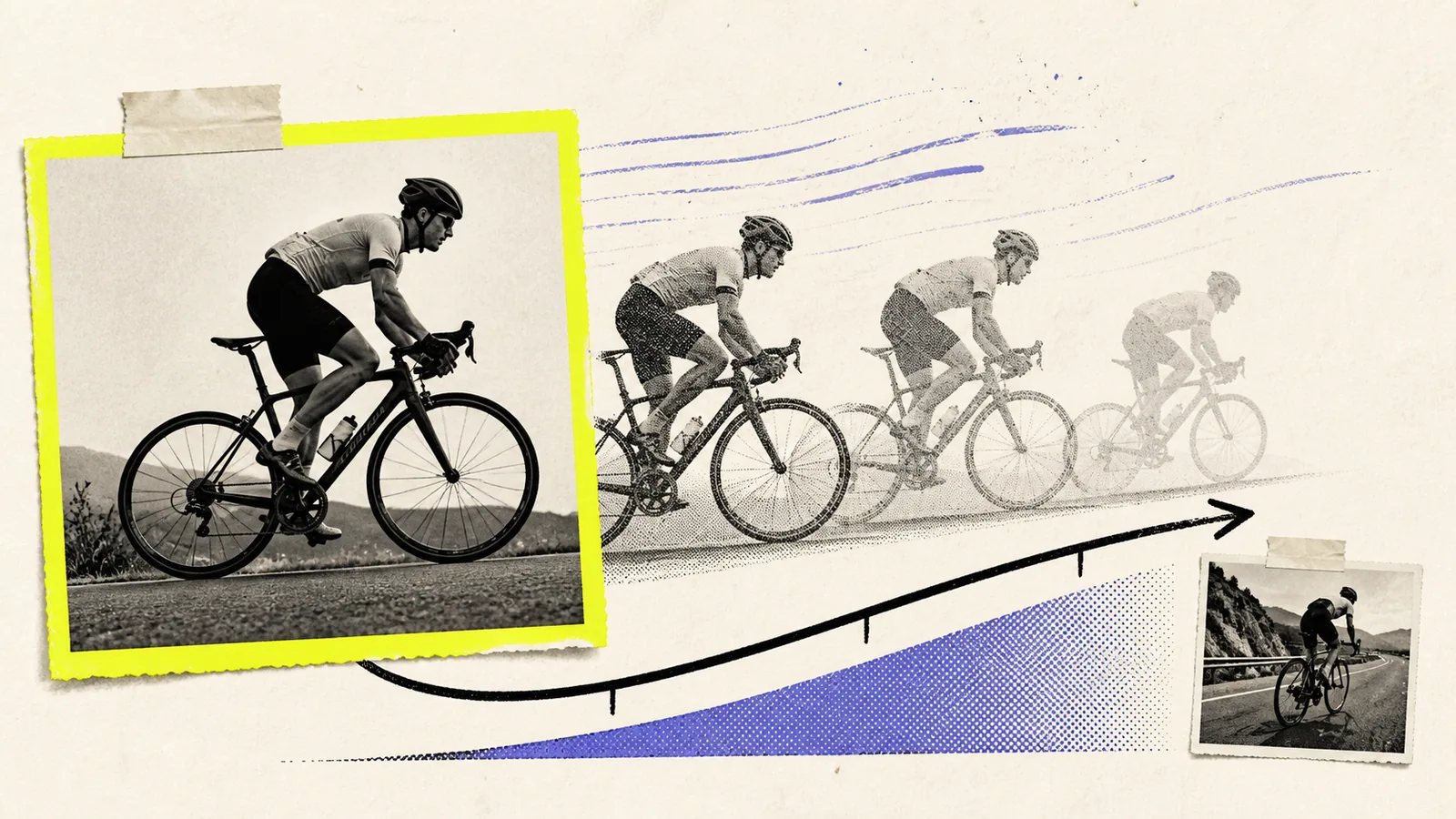
This image to video prompt guide starts with one rule: direct motion instead of rewriting the still image. The input already establishes the subject, composition, lighting, and visual style. Your text should explain what moves, how the camera moves, how the environment responds, and how the shot develops over time.
This shift—from description to direction—is the core of controlled image-to-video prompting.
Audit the first frame before animating it
Treat the source image as frame one of a shot. If it contains ambiguous hands, broken geometry, unreadable text, or a subject cropped at an awkward joint, animation may make the problem more visible.
Runway's image-to-video guide says the input image establishes composition, subject matter, lighting, and style, and warns that artifacts such as blurry hands or faces can intensify during animation (Runway image-to-video prompting guidenofollow).
Before writing a motion prompt, check:
- Is the primary subject easy to identify?
- Does the pose have a plausible next movement?
- Are hands, faces, product edges, and text clean?
- Is there enough room in the frame for the requested motion?
- Does the intended camera move reveal areas the image never defined?
- Is the background structured enough to support parallax?
Fix the still first. A weak first frame is not rescued by a more poetic prompt.
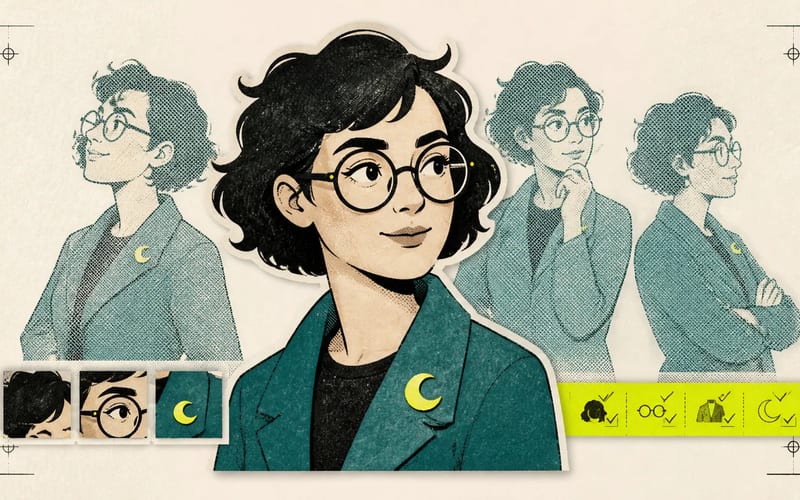
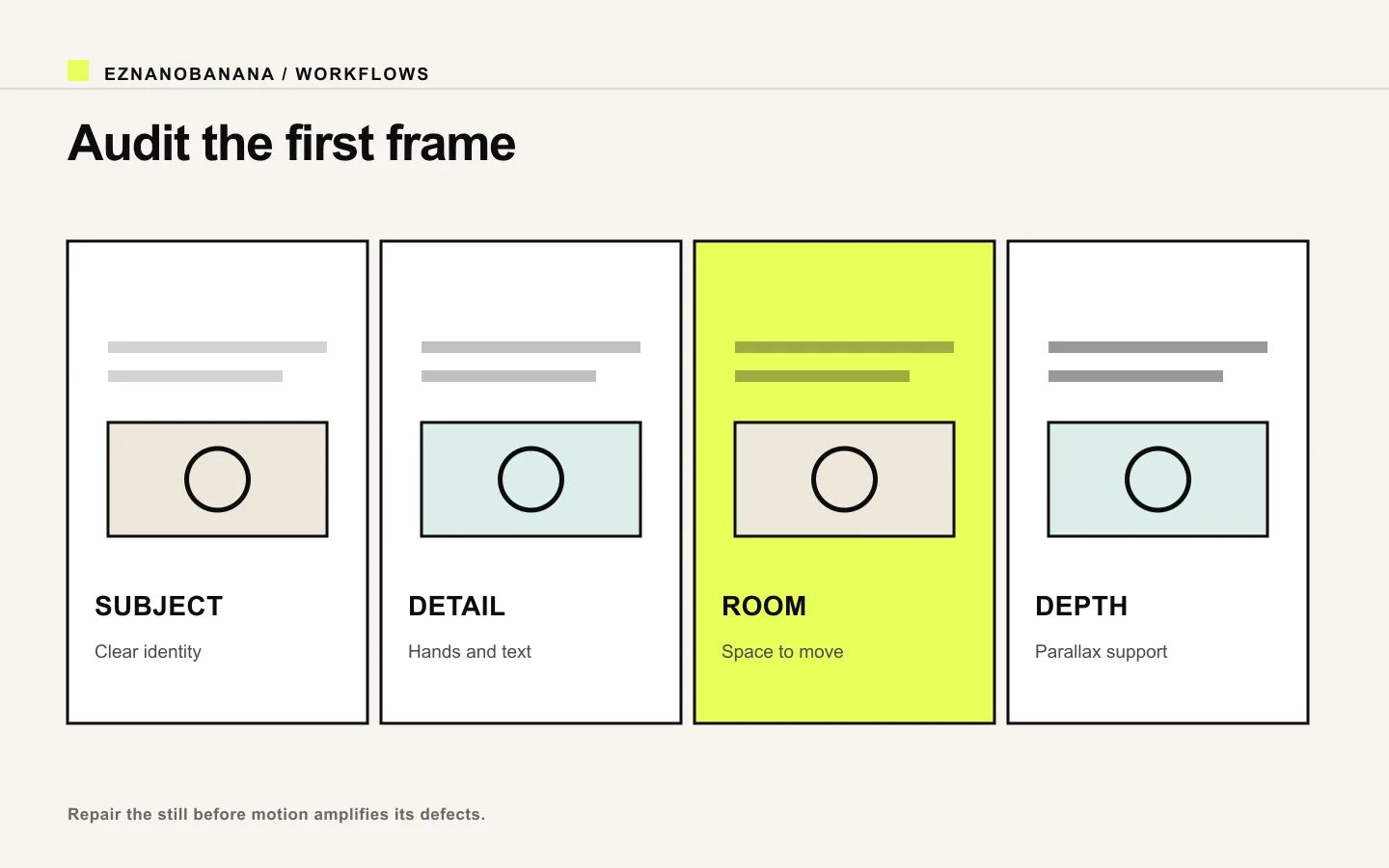 Four-part first-frame audit covering subject, detail, movement room, and depth.
Use the five-part motion brief
Write the prompt as a compact shot direction:
- Subject action: what the primary subject does.
- Camera motion: how the viewer's position changes.
- Environmental motion: wind, water, fabric, traffic, particles, reflections, or light.
- Timing: when actions start, stop, accelerate, or settle.
- Continuity: what must remain stable.
Template:
[Subject] performs [one clear action]. The camera [one camera move] at [speed and direction]. [Environmental elements] move [behavior]. The action [timing or ending]. Preserve [identity, geometry, framing logic, and style].
The same Runway guide recommends focusing on subject action, environmental motion, camera motion, timing, direction, and speed, then starting simple before adding detail.
Choose one primary action
“Walks forward, turns, smiles, lifts a cup, drinks, waves, and sits” is a sequence, not a single beat. It gives the model too many transitions to invent.
Start with one readable action:
- turns slowly toward the window;
- reaches for the cup;
- looks up and smiles;
- fabric billows once in a light gust;
- the product rotates a quarter turn;
- one droplet slides down the glass.
You can create additional shots for later beats. Short, single-purpose clips are easier to select and edit into a sequence.
Choose one camera move
Camera vocabulary is useful when it describes a visible change:
- push in: move closer to increase attention;
- pull back: reveal context;
- pan left or right: rotate the view horizontally;
- tilt up or down: rotate vertically;
- truck or dolly sideways: move laterally and reveal parallax;
- orbit: move around a subject;
- locked camera: keep the frame fixed while the subject moves;
- handheld drift: small imperfect movement, used sparingly.
Do not combine an orbit, zoom, crane, whip pan, and handheld shake in one prompt. If a camera remains fixed, say so; “static locked camera” is an active direction.
Add environmental motion for depth
Environmental motion makes a still feel inhabited, but it should support the subject.
Examples:
- hair tips and loose fabric move in the same gentle breeze;
- tree shadows drift slowly across the wall;
- steam rises and disperses naturally;
- a reflection shifts as the product rotates;
- distant traffic moves more slowly than foreground pedestrians;
- water ripples outward from one point of contact.
Use direction and speed. “Windy” is less precise than “a light breeze moves loose hair from right to left; the coat body remains mostly still.”
Four complete prompt examples
Portrait: quiet turn
The woman slowly turns her eyes and then her head toward the window. The camera makes a subtle, steady push in. A light breeze moves only the loose strands beside her face and the curtain behind her. The movement begins gently and settles on her profile. Preserve her facial identity, hairstyle, clothing, soft window light, and restrained photographic style.
Product: controlled rotation
The watch rotates clockwise by roughly a quarter turn on the pedestal. The camera remains locked. A narrow highlight travels smoothly along the metal case and the existing shadow shifts consistently with the rotation. Motion starts slowly, reaches an even pace, and eases to a stop. Preserve case geometry, dial markings, logo, strap construction, and background.
Landscape: depth reveal
The camera glides slowly forward along the path toward the cabin. Foreground grass passes with clear parallax while distant trees remain comparatively stable. Thin mist drifts left across the valley and one warm window light flickers subtly. Smooth cinematic motion; preserve the original dawn palette and composition.
Illustration: limited animation
The illustrated fox blinks once and its tail makes one gentle sweep. The camera remains completely still. Three leaves drift diagonally through the background at different speeds. Preserve the line work, flat color shapes, facial design, and printed-paper texture; no morphing.
Prompt timing as a beginning and an end
A shot feels intentional when it has a state change.
Use phrases such as:
- “begins still, then…”
- “gradually accelerates…”
- “eases to a stop…”
- “settles back into the original pose…”
- “one brief gust, then the fabric becomes still…”
Do not micromanage every fraction of a second unless the system exposes reliable timing controls. Natural-language timing works best as a broad performance direction.
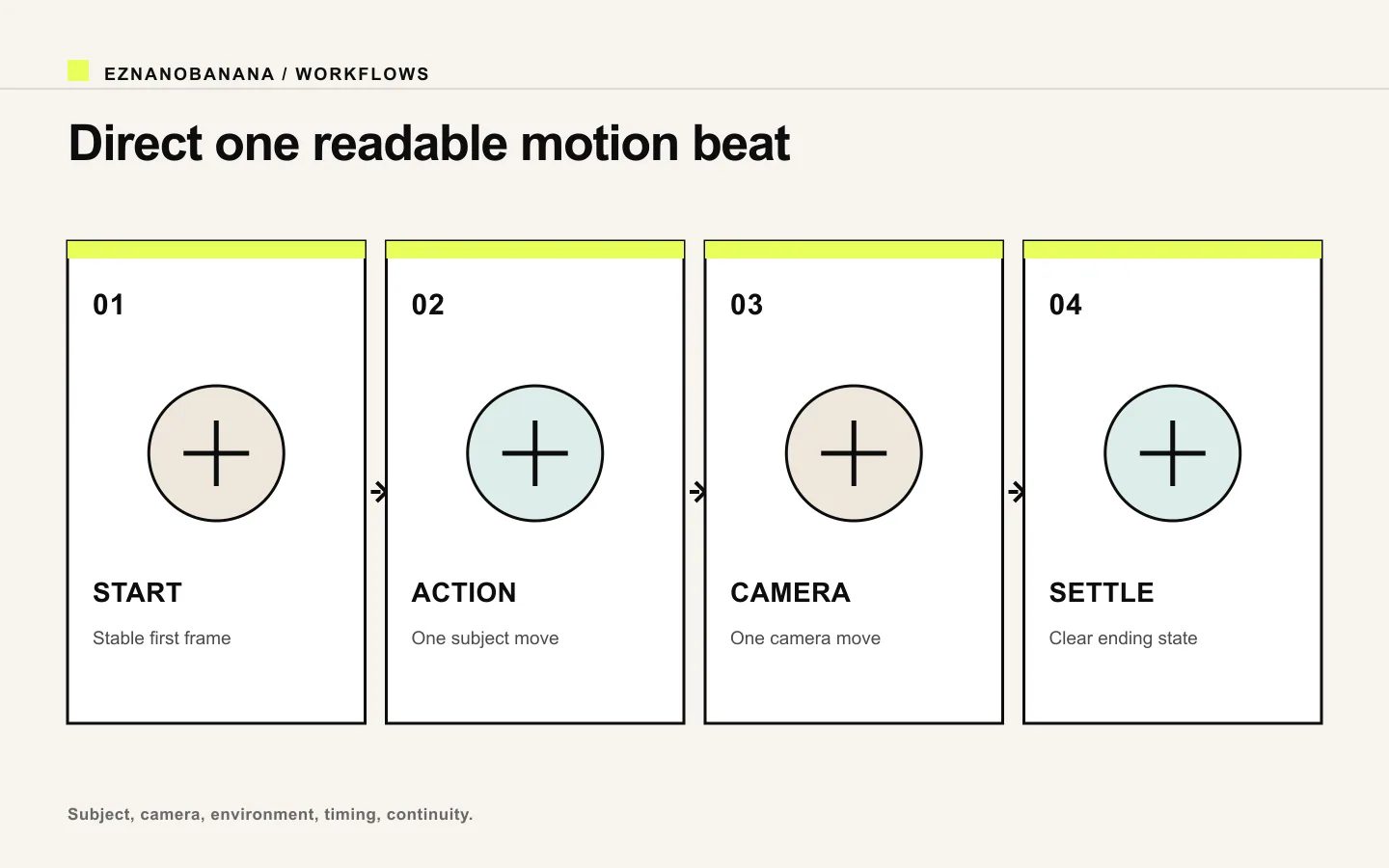 Motion prompt timeline from stable start through action and camera movement to a settled ending.
Diagnose common failures
The subject morphs
Reduce the action, camera distance, or angle change. Strengthen the continuity block around identity, product geometry, or illustration design. A smaller motion with a stable subject is more useful than an ambitious clip that becomes a different image.
The camera and subject fight each other
Simplify to one motion source. Lock the camera while debugging the subject action, or keep the subject still while testing the camera move.
The shot feels frozen
Add one clear subject action and one secondary environmental motion. Avoid asking every element to move; selective motion creates contrast.
Everything moves like rubber
Use physical anchors: feet stay planted, the pedestal remains fixed, the rigid package does not flex, the wall and floor remain stable. Describe which parts are rigid as well as which parts move.
New objects appear
Avoid camera moves that reveal large unseen areas. Restate scene continuity and reduce the travel distance. If the camera must reveal new space, first create a wider, structurally complete source image.
Text and logos distort
Keep branded surfaces small in motion, reduce rotation, or use a locked camera. Review critical text frame by frame. For product truth, a cut to a separate detail shot can be safer than a dramatic spin.
Plan a sequence as separate shots
Instead of forcing a whole commercial into one prompt, make a shot list:
- wide establishing motion;
- medium subject action;
- product or facial detail;
- environmental cutaway;
- closing hero frame.
Give each shot one job. Reuse visual references and continuity notes across the sequence.
When your first frame is ready, open the EzNanoBanana image-to-video workflow. Start with one subject action and either one camera move or a locked camera, review the first failure, and add complexity only when the motion remains stable.
Link policy demo
Standard links remain follow links. Editorial references marked “nofollow” render with a dotted underline and a small policy label, and include rel="nofollow" in the HTML.
Make the next frame